Home, connection, and account
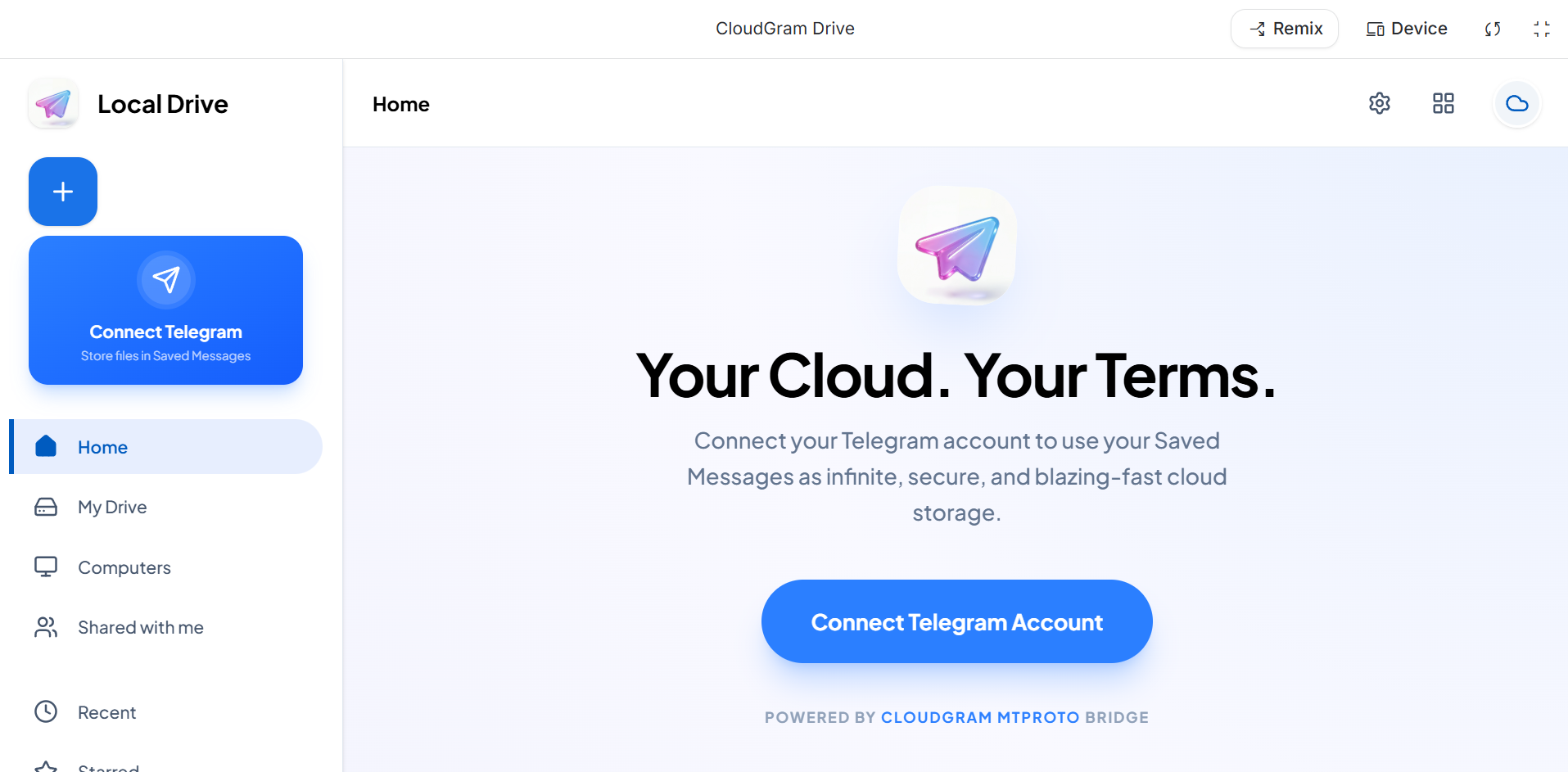
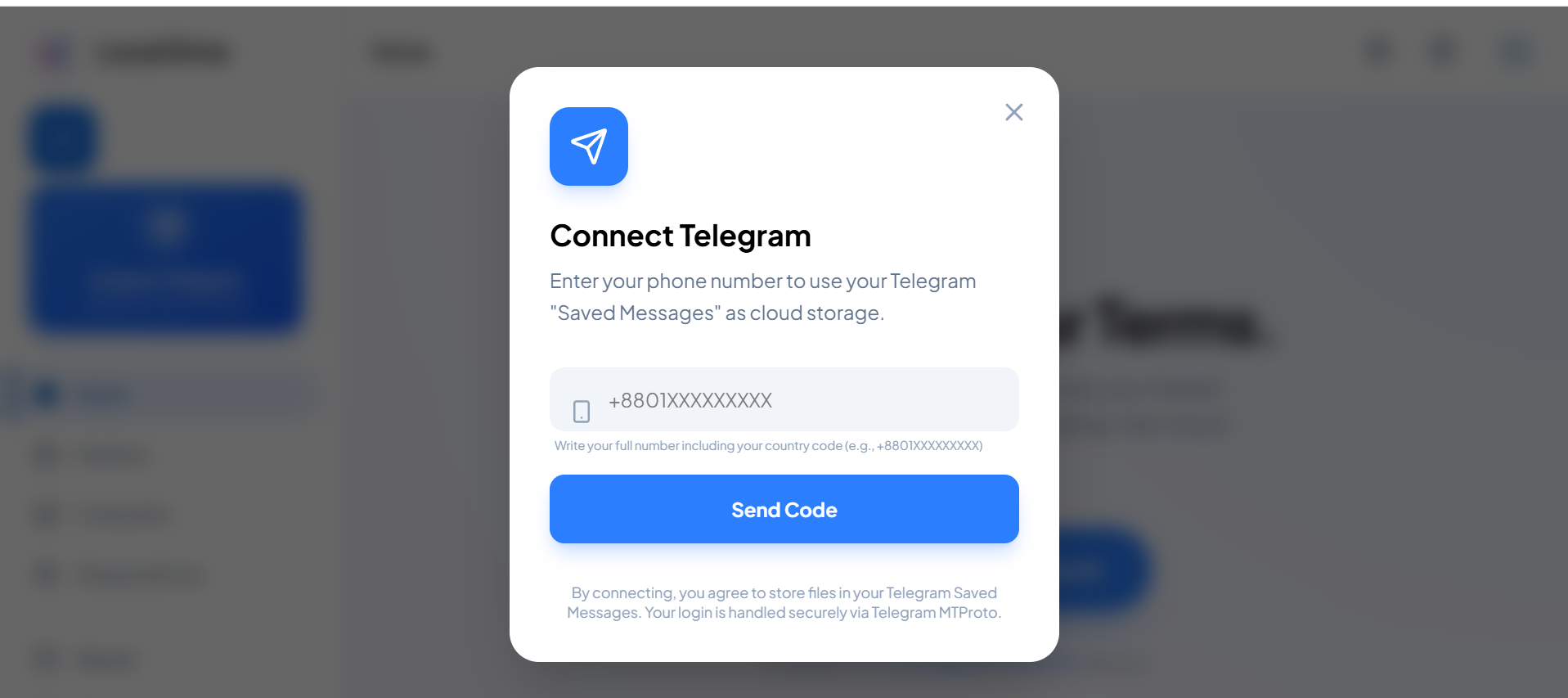
The first-run experience: home page, My Drive access, Telegram connection, profile drawer, and account management.



Features
Explore the product through focused visual chapters: cloud connection, file spaces, themes, system intelligence, account controls, and mobile views.
Home, drive states, customization, system architecture, and account/support screens are separated into clean galleries.
The first-run experience: home page, My Drive access, Telegram connection, profile drawer, and account management.
These are the storage surfaces users will visit every day: devices, shared items, recent files, starred files, spam, trash, and computers.


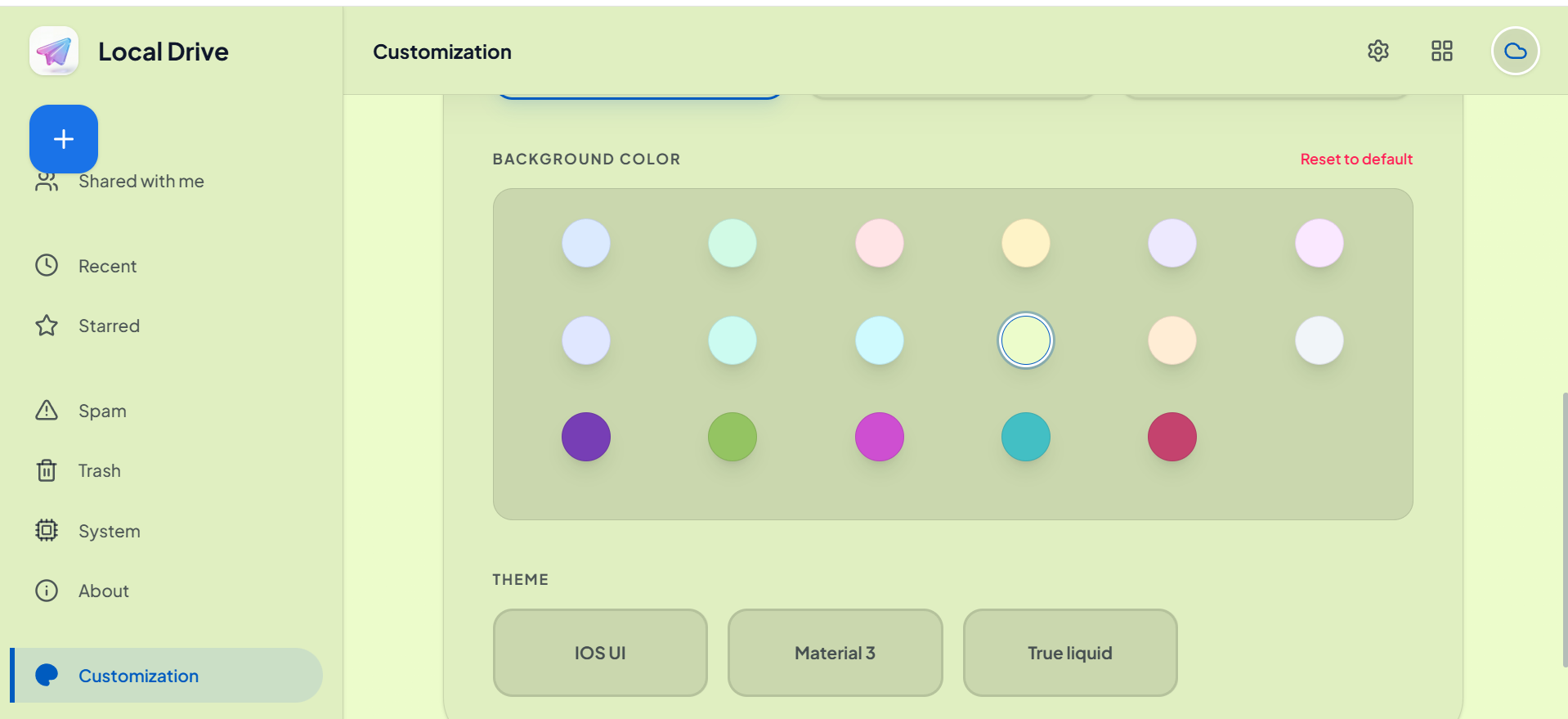
Only customization screenshots live here: typography, appearance modes, background colors, and the different theme colors.




System visuals, security vault, network hub, storage, compute, metrics, and AI module belong together as the advanced product layer.


Developer details, support/reporting, and mobile account surfaces are grouped as trust and support screens.


Upload photos, videos, documents, compressed folders, APK files, installers, and project archives from phone or desktop.
Use clean folders, names, file types, and quick search to keep a large library practical.
Preview common media and documents so you can identify the right file before pulling it back down.
Create share-ready file access for personal transfers, support, releases, and collaboration.
Keep phone media, desktop files, release builds, and personal archives in one reliable place.
Start on Android, organize on Windows, then open the same files from macOS, iOS, or Linux.