Cloud home and Telegram connectionThe first product moment shows the core promise: connect Telegram and turn Saved Messages into a drive-like cloud.
Android, Windows, Mac, iOS, Linux
Local Drive
A fast, private, unlimited-style cloud drive for storing files, videos, photos, documents, and app backups across every device you use.
5major platforms
24/7personal cloud access
No limitsbuilt for heavy storage
A calmer cloud philosophy
Storage should feel owned, not rented.
Local Drive is shaped around a simple idea: your connected Telegram cloud becomes the storage layer, while the app gives it a clean, powerful, drive-like interface.
No crowded dashboard. No confusing limits. Just a polished place to connect, upload, organize, preview, and return to your files.
 Telegram MTProto cloud
Local Drive layer
Telegram MTProto cloud
Local Drive layer
Connect
AES-256
RSA-2048
Saved Messages
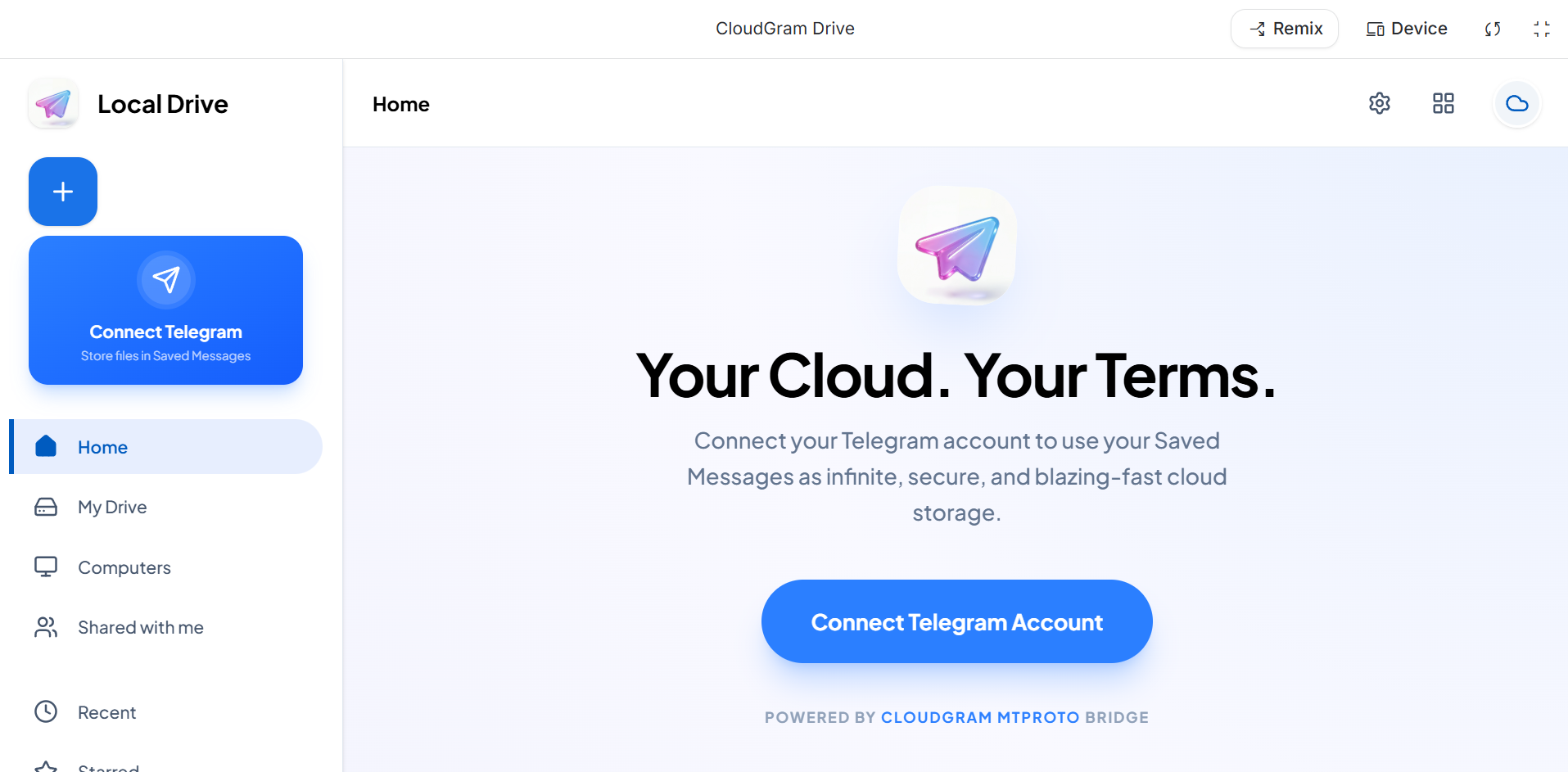
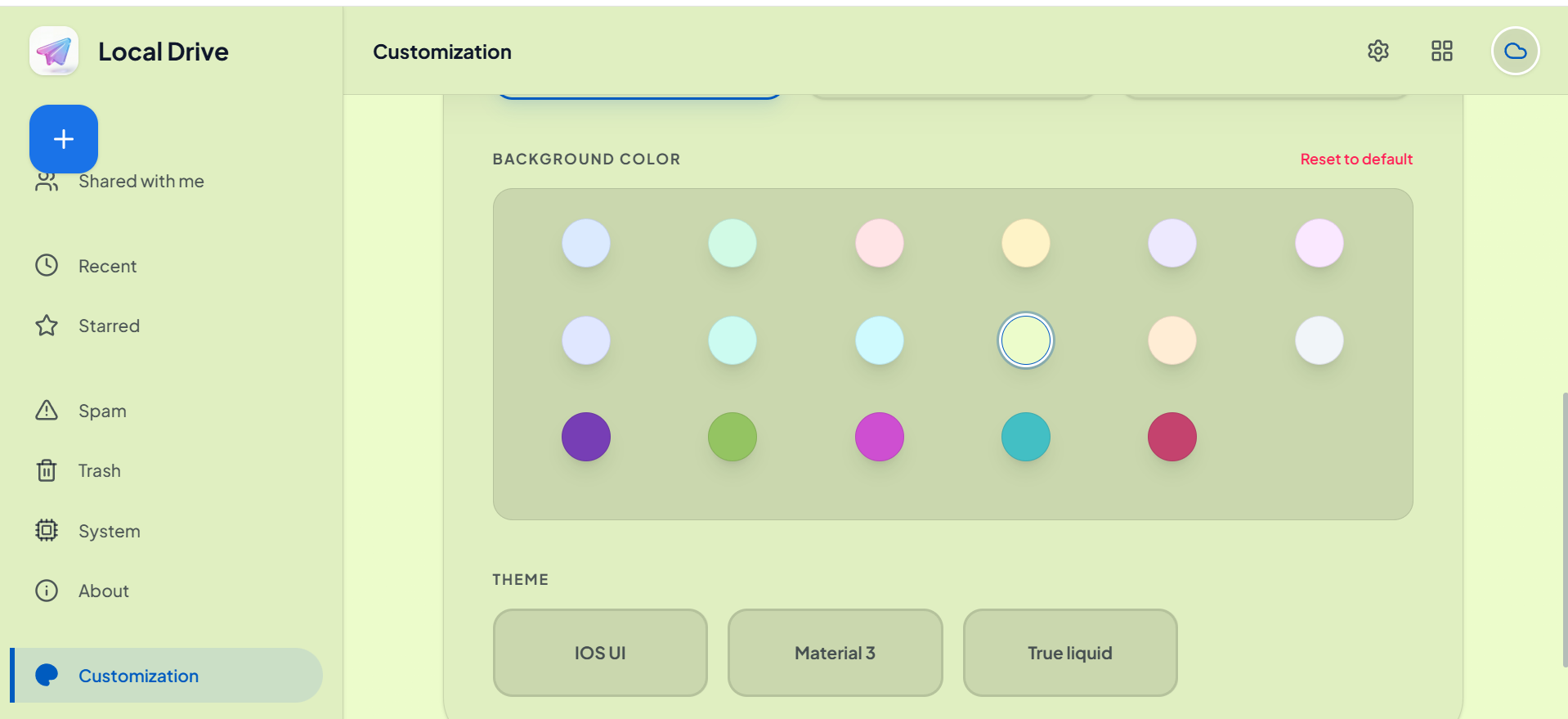
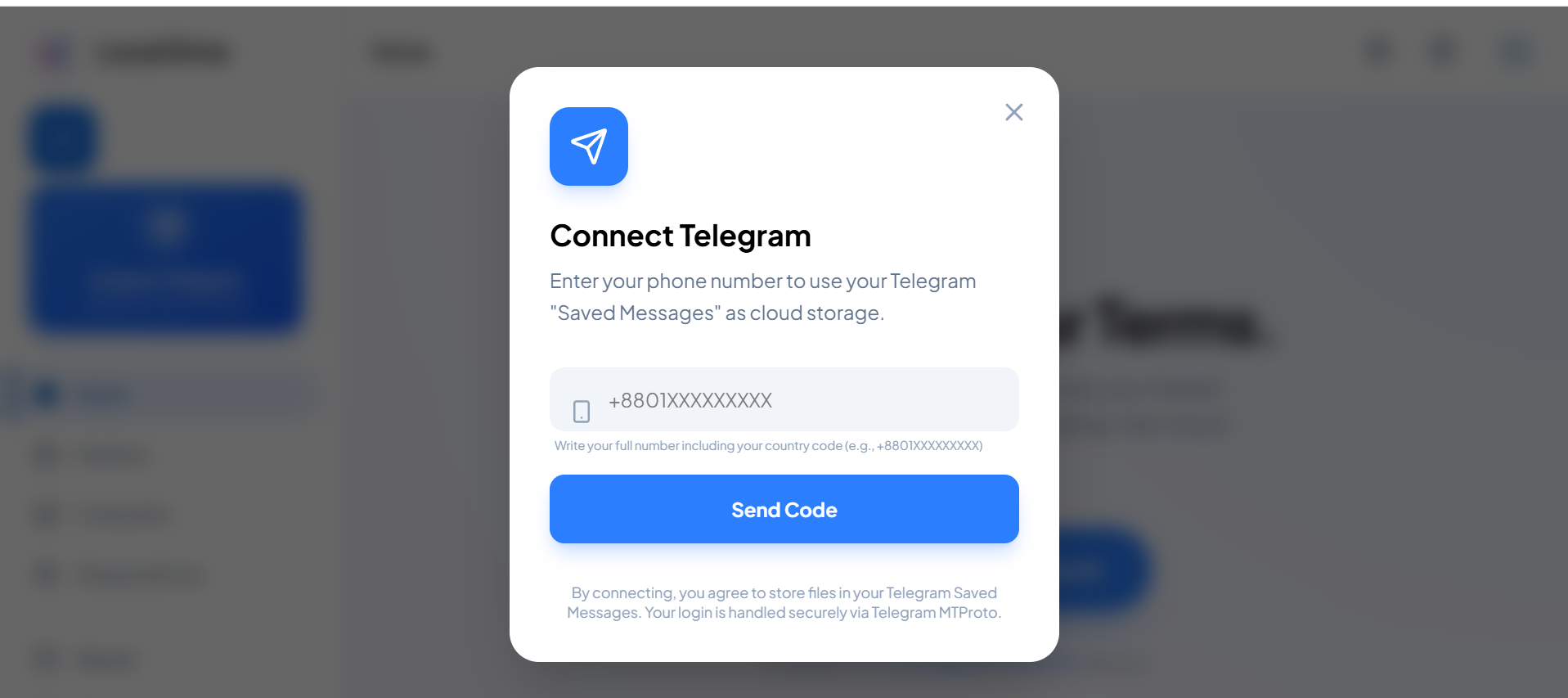
See Local Drive in motion.
Clips from the actual screen recording are placed where they help the story: onboarding, account management, customization, and system views.
Account and settingsProfile, sign-in, and account controls shown as polished product proof.
System architecturePremium hardware-style visuals make the app feel more advanced and memorable.
One drive. Every file type. Every platform.
Local Drive keeps the experience simple: upload from phone or desktop, organize into folders, preview what matters, and share files when you need to.
Unlimited-style storage
Designed for large personal libraries, long videos, project files, APKs, archives, and daily backups without feeling cramped.
Telegram-powered workflow
Inspired by apps like UnLim, Local Drive can use Telegram-backed storage patterns so your files stay reachable from your own account.
Local-first feeling
The interface feels like a clean native drive, with quick uploads, folders, search, previews, and cross-device continuity.
Move from device to cloud in four calm steps.
Built for people who want storage to feel invisible: connect, choose, upload, and open anywhere.
Step 01
Sign in
Connect your account and keep your cloud drive under your control.
Step 02
Upload
Add photos, videos, documents, folders, and release files from any device.
Step 03
Organize
Create folders, rename, search, preview, and keep your files tidy.
Step 04
Access
Open, download, or share from Android, Windows, macOS, iOS, and Linux.
Premium visuals, layered like a product lab.
The page now uses screenshot-backed depth, sticky 3D cards, video fragments, and hover transforms to create a stronger Elva-style motion system.
Actual app screens
Feature sections use real Local Drive screenshots instead of generic placeholders.
Scroll depth
Cards rotate and lift while scrolling, giving the page a physical 3D product feeling.
Cross-platform story
The download experience now presents each platform as a focused product tile.
Available where your files already live.
Local Drive is designed as one product across all major devices, so switching screens does not mean switching storage habits.
AndroidBackup media, APKs, and folders from your phone.
WindowsManage heavy desktop files and release builds.
macOSKeep creative projects and documents in reach.
iOSUpload camera roll files and access saved content.
LinuxBring cloud drive access to your workstation.